Image Style
SHC3’s image style is built from three stacked layers: Color, Tone, and Effects. Together they define the final look and can be saved as a Recipe for quick recall.
All image style parameters are previewed in real time in the viewfinder.
Color
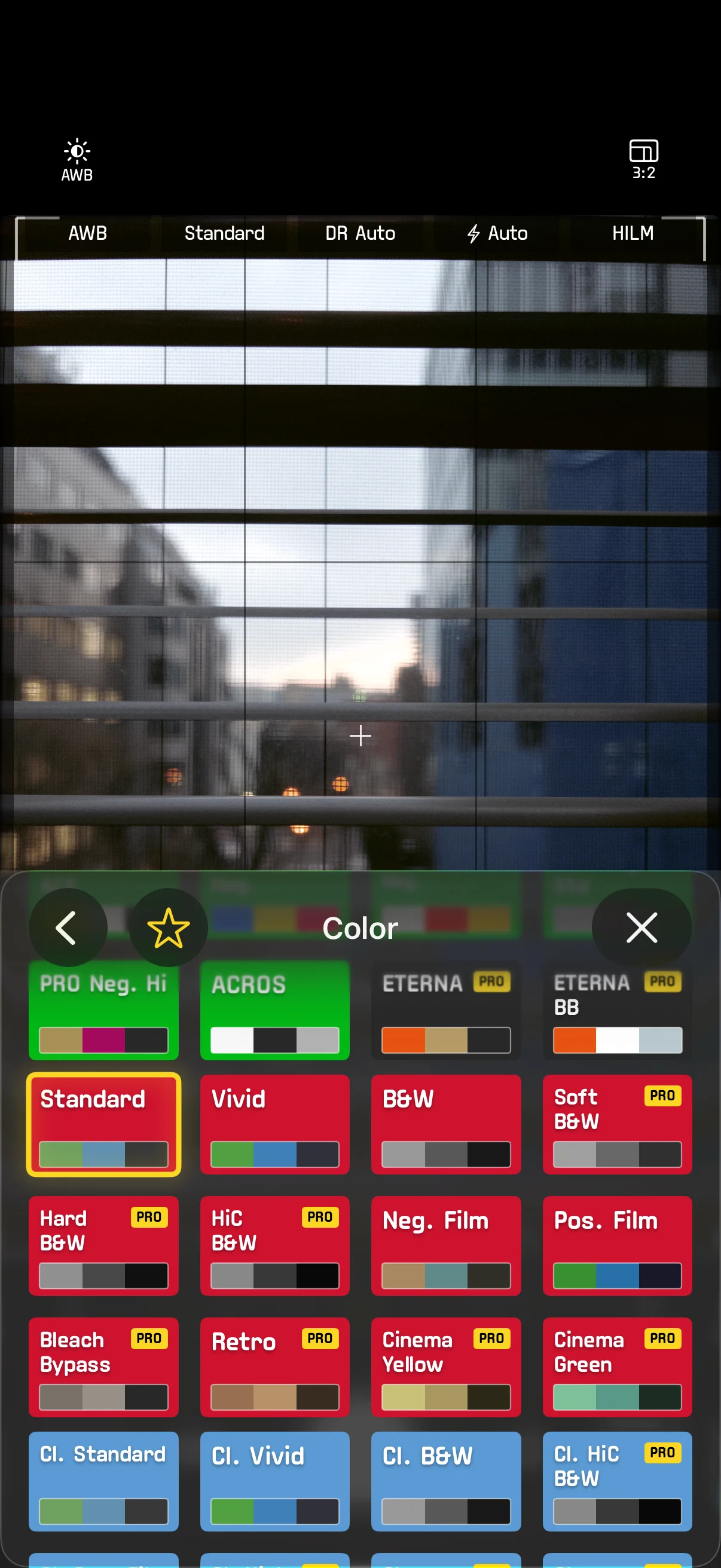
Color is the foundation layer of the image style. SHC3 includes dozens of built-in Color presets covering a wide range of looks. Choosing a different Color preset fundamentally changes the color character of the image.
Switch presets via arc controls, the Quick Cross Menu, or Settings > Color.
In Settings > Color you can also customize which presets appear in the arc controls and Quick Menu.
Tone
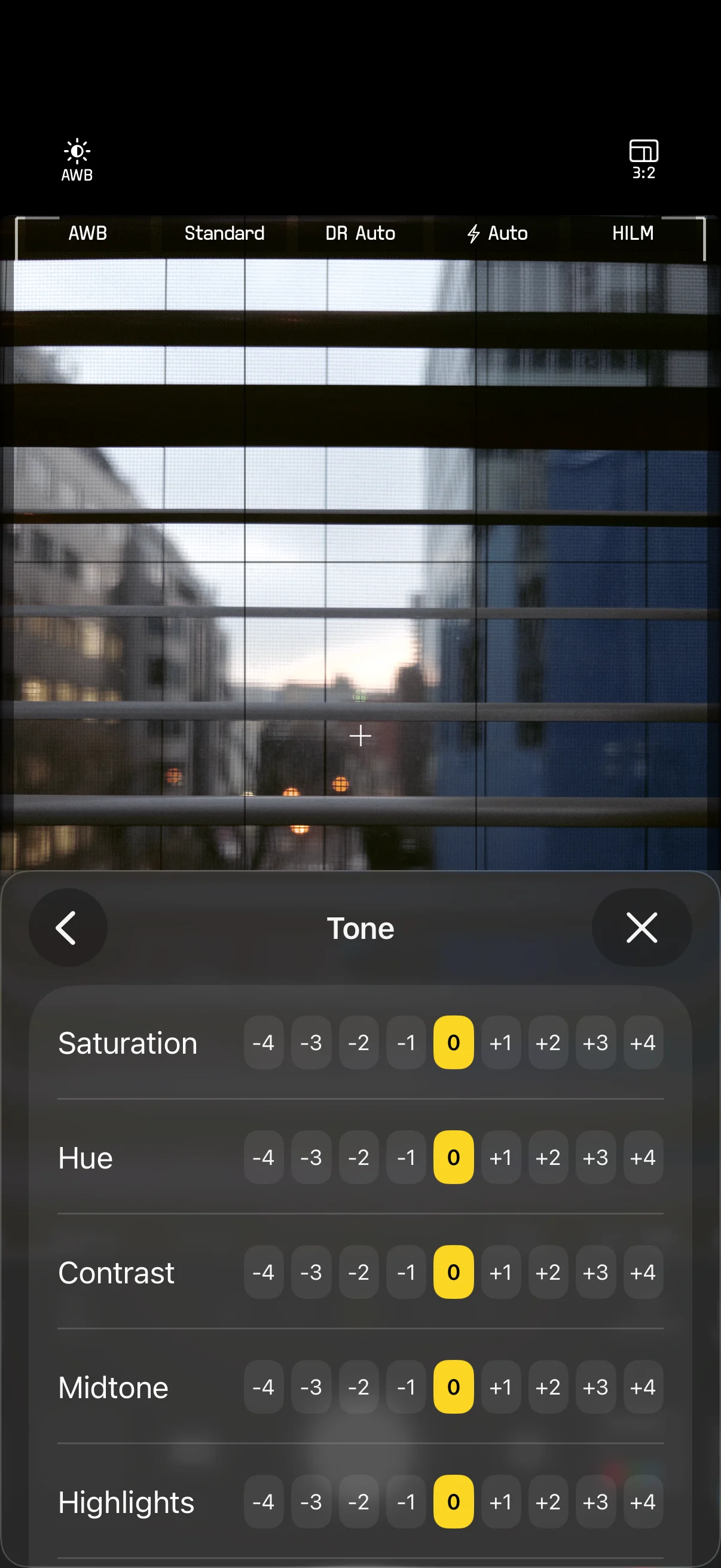
Tone fine-tunes the tonal rendering on top of the Color layer, with 8 independent parameters:
| Parameter | Description | Range |
|---|---|---|
| Saturation | Color vividness | -4 – +4 |
| Hue | Color shift direction | -4 – +4 |
| Contrast | Tonal range between lights and darks | -4 – +4 |
| Midtone | Brightness of midtones | -4 – +4 |
| Highlights | Highlight detail control | -4 – +4 |
| Shadows | Shadow detail control | -4 – +4 |
| Clarity | Mid-frequency detail enhancement / softening | -4 – +4 |
| Sharpness | Edge sharpening / softening | -4 – +4 |
Each parameter is adjusted in discrete steps. Positive values strengthen the effect; negative values reduce it.
Adjust in Settings > Tone. Tap the reset button to restore all Tone parameters to their defaults.
Effects
Effects add texture and atmosphere on top of Color and Tone:
| Parameter | Description | Range |
|---|---|---|
| Bloom | Adds a soft glow diffusion to bright areas | 0 – +4 |
| Halation | Simulates film halation — a warm red/orange color bleed around highlights | 0 – +4 |
| Anamorphic Flare | Simulates the horizontal streak flare of anamorphic lenses | 0 – +4 |
| Chromatic Aberration | Simulates lens chromatic aberration, adding color fringing toward the edges | 0 – +4 |
| Vignette | Adjusts edge brightness; positive values darken, negative values lighten | -4 – +4 |
| Grain | Adds randomized film-grain texture | 0 – +4 |
| Color Chrome | Simulates the color rendition of color reversal film, adding depth and vividness | -4 – +4 |
| Color Chrome FX Blue | Enhances the depth and vividness of blues, boosting saturation and tonal range in ocean and sky | -4 – +4 |
| Smooth Skin | Skin-detection-based selective blur that softens skin while preserving detail elsewhere | 0 – +4 |
When a B&W Color preset is selected, the following additional parameters become available:
| Parameter | Description |
|---|---|
| Toning | Adds a color tint to monochrome images by adjusting the BA/GM axes |
| Color Filter | Simulates colored filters used in B&W photography — choose from Yellow, Orange, Red, Green, or Blue with adjustable intensity |
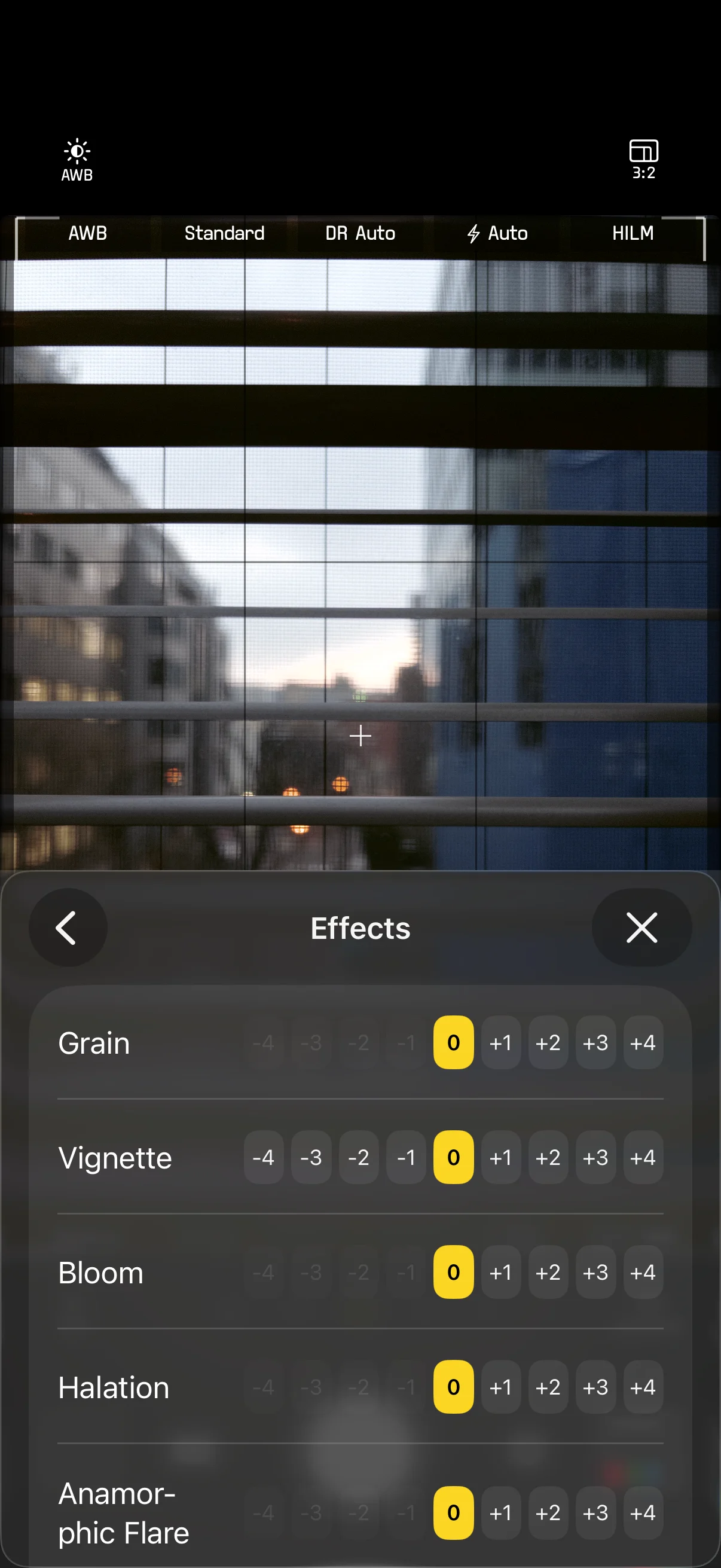
Adjust in Settings > Effects. Tap the reset button to restore all Effects parameters to their defaults.